Teams and programmes
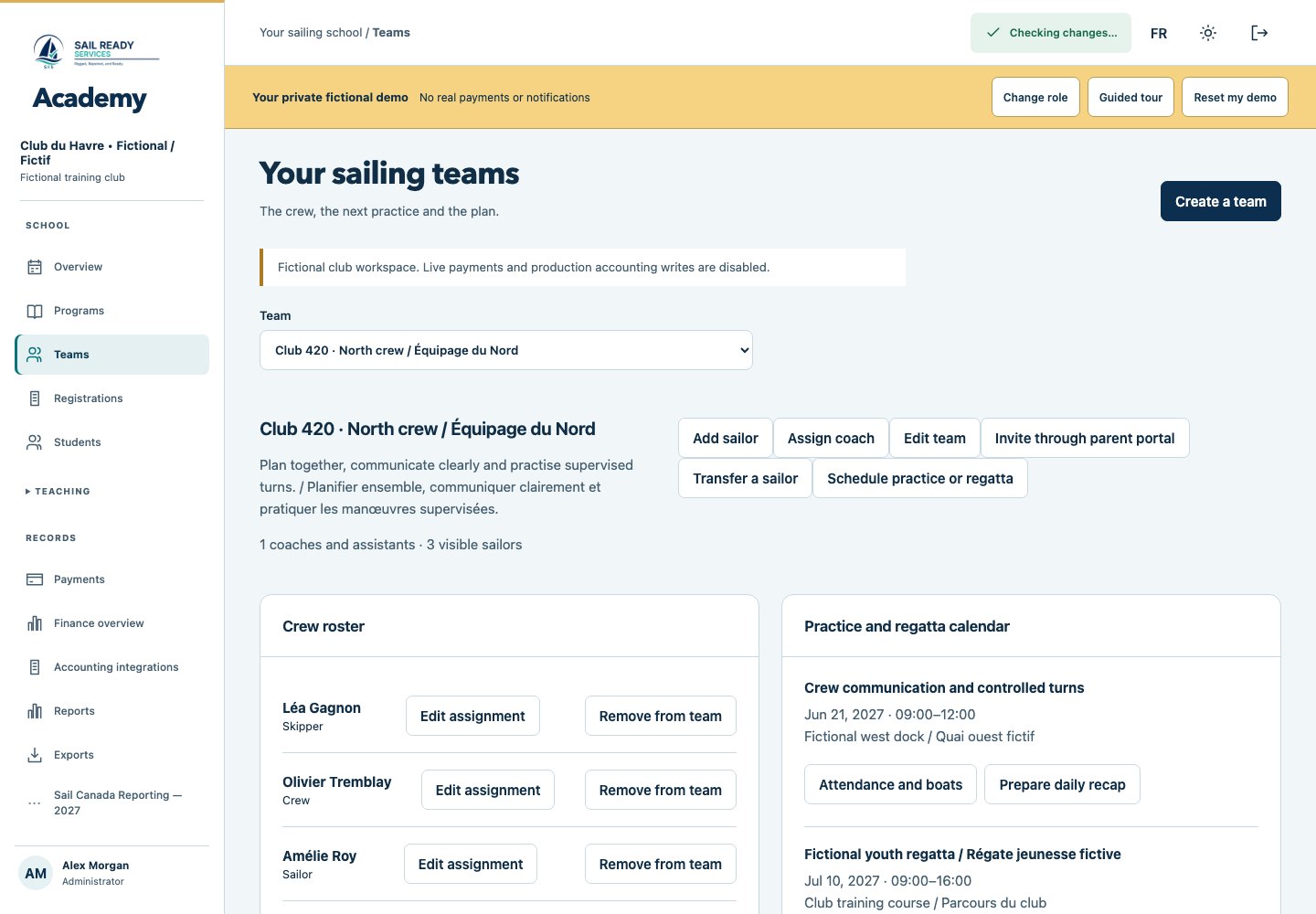
Create beginner groups, Optimist squads and racing teams. Connect coaches, rosters, practices, boats and documented budgets.
 Academy
Connect programmes, teams, families and finances with the teaching day. Explore Academy’s working fictional demo and plan a reviewed club pilot.
Private access is required. Request a walkthrough to explore Academy with us.
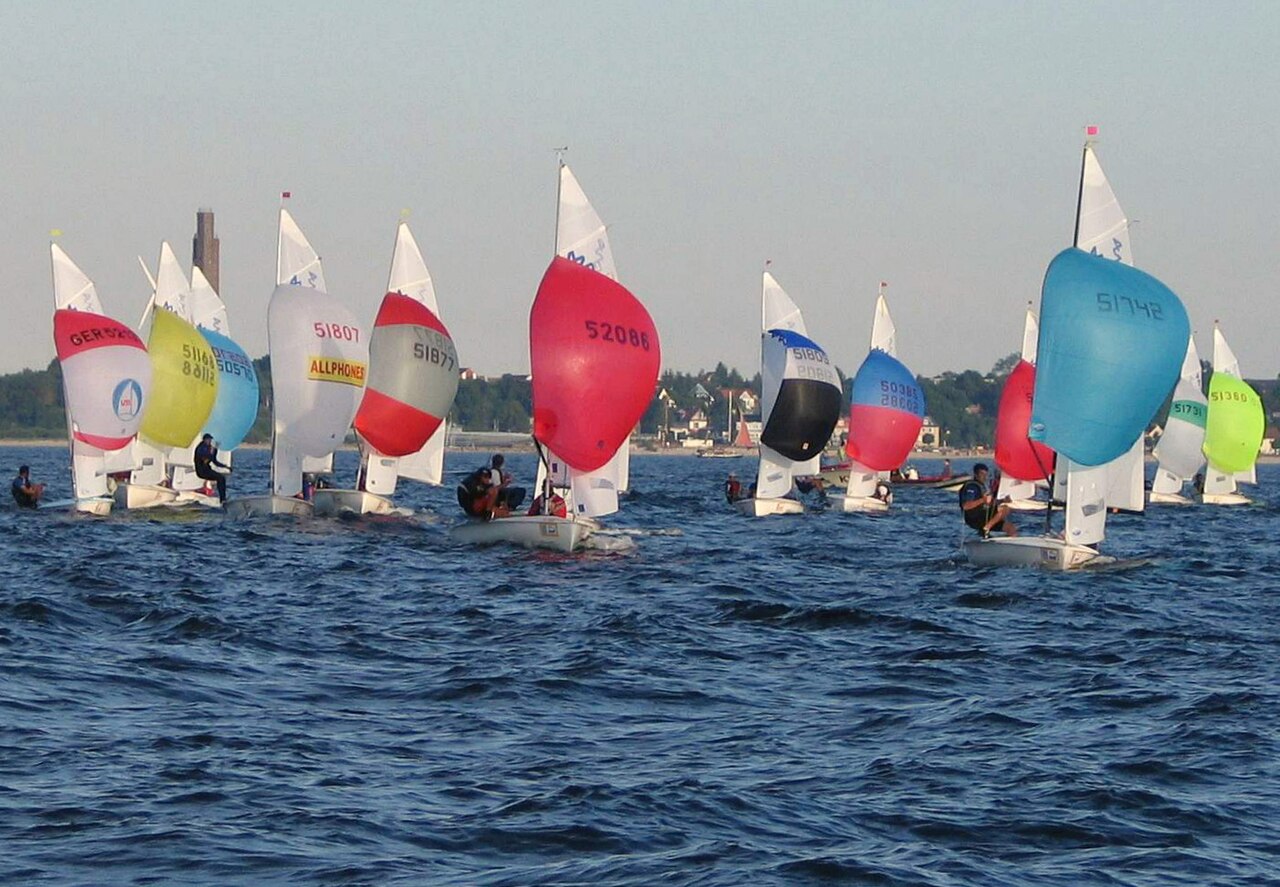
The same sailor profile follows registration, teams, lessons and family reports. Each club keeps its own records and finances.
Create beginner groups, Optimist squads and racing teams. Connect coaches, rosters, practices, boats and documented budgets.
Review family registrations, waivers, discounts and capacity together. In the demo, simulated checkout creates linked invoices and payment records. Live processing remains disabled.
Take attendance, choose original drills using group skill, weather and boat type, and track what has already been taught. Prepare drafts offline and review synchronization conflicts.
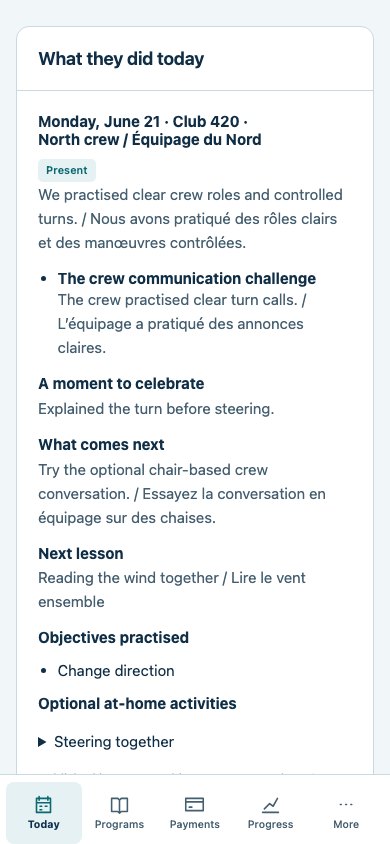
Publish today’s lesson after an instructor review. Families see accomplishments, next practice steps and optional shore-side activities. Private coach notes remain separate.
Actual Academy screens using fictional club records. Explore the connected workflows in the restricted demo.
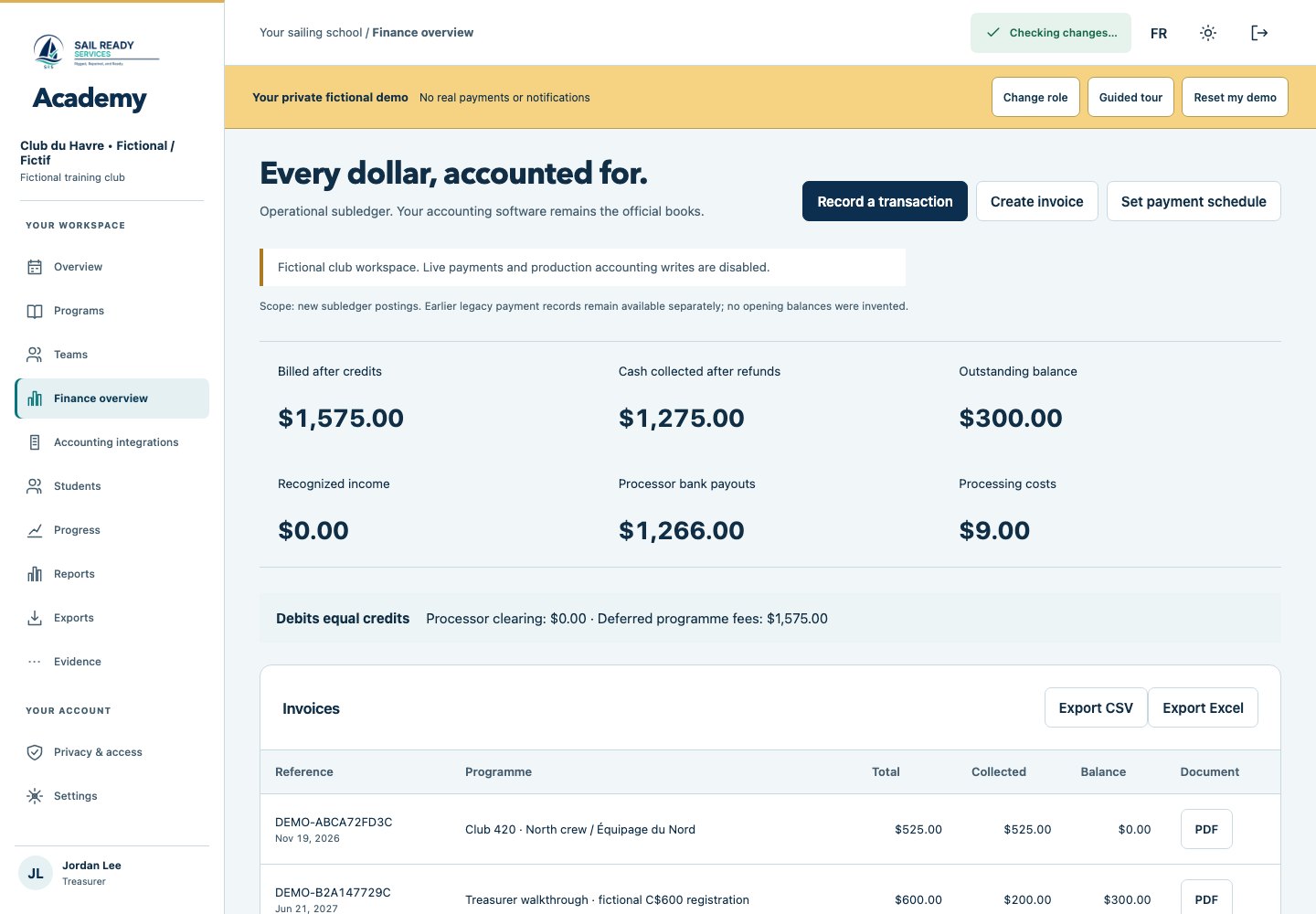
Prepare clear CSV and Excel reconciliation packages, map accounts and review financial transactions before transfer. Your club’s accounting software remains its official ledger.
Pilot pricing is reviewed with each club. No public commercial price or guaranteed savings is approved yet. A proposal will separate software, card processing, platform fees, accounting-provider costs and federation participant fees.
Discuss your club’s needsClub access is reviewed before activation.
Share your club contact, approximate programme size and what you want to explore.
Walk through teaching workflows, migration needs, privacy responsibilities and the pilot scope.
Set up an isolated club workspace and verify access, delivery, recovery and support before using real learner information.
Academy prepares club participant records, validation, corrections and reviewed exports. Official CANSail assessments, instructor authorization and certifications remain in the Sail Canada Platform. No approved federation import schema, automatic synchronization or endorsement is claimed.
Visit Sail CanadaYou can request a demonstration now. Application access is arranged for an agreed private pilot after setup, privacy, recovery and support checks. Public learner registration is not open.
We can review an export your club is authorized to use and prepare a sample mapping. We agree on what transfers, verify the result and resolve gaps before changing your working process.
Pilot scope, software fees and payment-processing terms are discussed with your club before any agreement. Live registration payments are not enabled on this website. No processing-rate savings are promised.
The current planner includes original Academy activity drafts and fields for authorized manual references. Coaches review the fit for their group, boats and conditions. Official CANSail materials require the applicable access and permissions.
Tell Eric what your school needs. Prepare an email request, review it, then send it from your own email application. This form does not submit to a server.
Download the club overview (PDF, 2 pages)
eric@sailreadyservices.comNothing is sent automatically. If your email app does not open, copy your request and email eric@sailreadyservices.com.